


With Nintendo moving into the 4K world with the Nintendo Switch 2, pretty much all of our gear here at Vooks had to be upgraded to suit. Capturing both video and screenshots of games is something we always had an Elgato HD60S to do such a thing, so it was super nice of Elgato to send us over this 4KX to put through its paces with the Nintendo Switch 2.
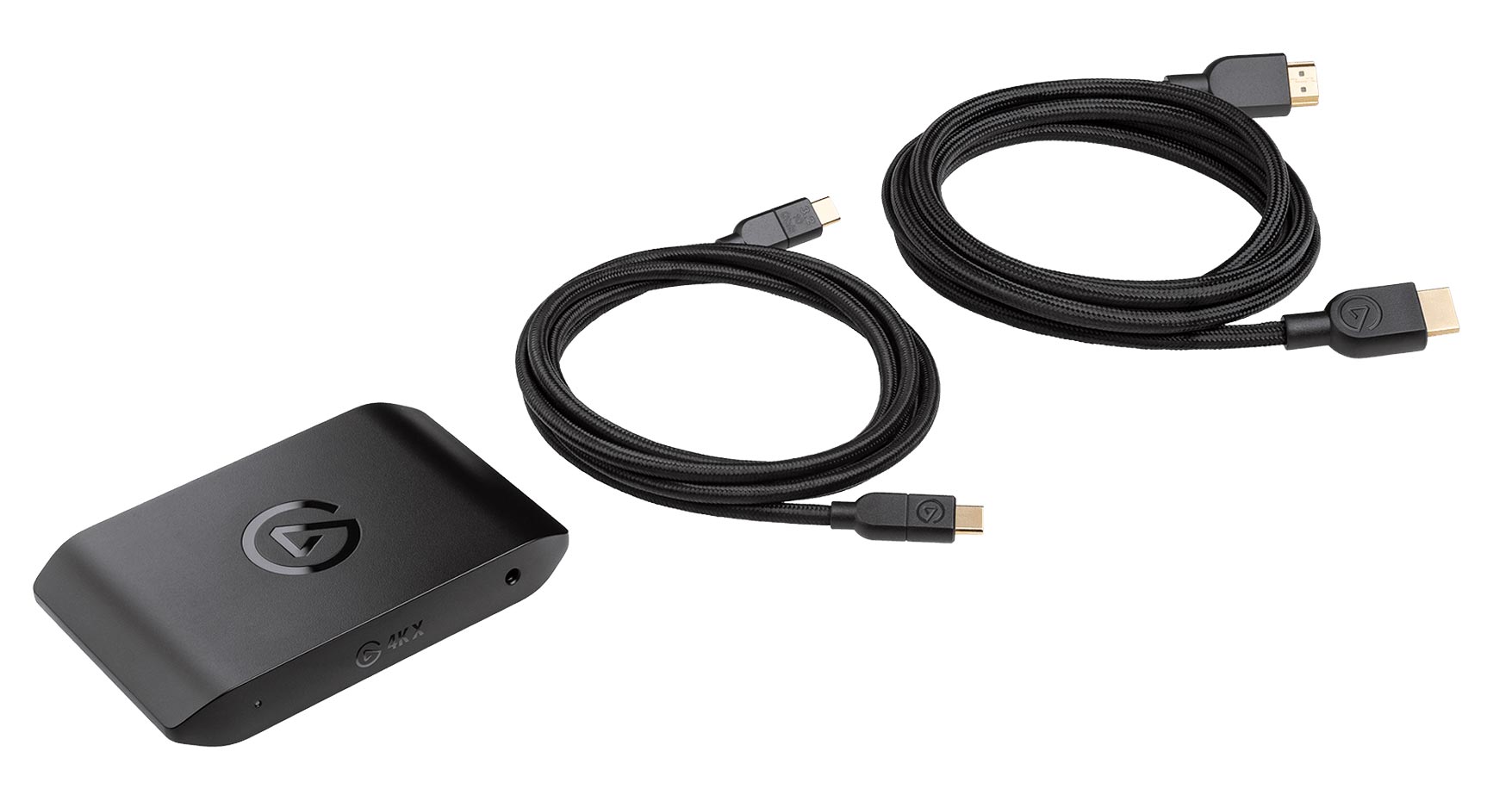
Out of the box, there’s everything you need to get started with with either recording or streaming anything that has a HDMI out – but for our review, we’re going to be talking about our experience with the Nintendo Switch 2. The 4K X is actually way more capable than the Switch 2 is outputting by being able to capture up to 4K at 144Hz. Well, the Switch 2 can’t output that; the best it can do is 4K at 60Hz. It can get to 120Hz, but it’s limited to 1440p. The Switch also doesn’t support VRR docked. It was famously announced and then removed just before launch. Regardless, you’re covered here for the Switch 2.

The Elgato 4KX has in the box a high-speed USB-C cable to play into your computer, or even iPad, and a high-speed HDMI 2.1 cable. It’s really quite simple, just loop the Elgato in between your Switch and the display and you can watch on your device in real time, because it’s essentially lag-free (there’s always some perception difference, it’s not 100% perfect). The device itself is super small, but it can get a bit warm – it’s piping through a lot of pixels after all.
The only time the 4KX gets a bit tricky is figuring out how to best record and/or stream things. There are multiple OSes supported with Windows, of course; you can plug it into an iPad (with varying results), and a Mac as well.
I don’t have a PC, but Ollie does, and he’s shared his experiences with his setup below for you.
Elgato support on Windows is a much smoother experience than on MacOS. The Elgato 4K Capture Utility works out of the box — no drivers (visibly) installed, no messing around in settings was needed to get it going. I simply plugged the 4KX into my PC, opened up the Capture Utility, and it sorted itself out automatically. It has a host of settings for changing capture settings, including bitrate settings, which video renderer to use (I used my Nvidia RTX 2070 and it was more than capable of encoding 4K60 at high bitrates), and more. Perhaps the most useful feature of the software on Windows is the Flashback Recording option, which continuously records while you play so you can quickly hop back and save only the bits you want, rather than recording a whole session and having to chop it up in post-production.
It’s not perfect – the interface is clunky and frustrating sometimes, the latency can get iffy at high resolutions, and Flashback Recording is very unintuitive – but compared to using OBS, it’s essentially plug and play. The new Elgato Studio software definitely has a much nicer interface, but it’s also missing some features present in the Capture Utility, so it’s probably better to keep both installed for now until the newly launched software has some time to catch up.
For iPad and Mac though, I’m your guy. Firstly, the easy one, depending on your iPad, is what resolution capture will be supported. For regular old non-pro iPads with USB-C ports, it just plugs right in and you can record up to 1080p at 60fps, and the Elgato software in my testing just works. But I’m in the 4K world now, 1080p isn’t going to cut it. For that, you need an iPad with an M-series chip. I threw it onto my Mum’s now “ancient” iPad Pro from 2021, and 4K 60fps capture just worked – I did upgrade the firmware on the capture device first, and flick over to the 10Gbps setting in using Elgato’s software, and that may be required (so you will need a PC or Mac to do that).
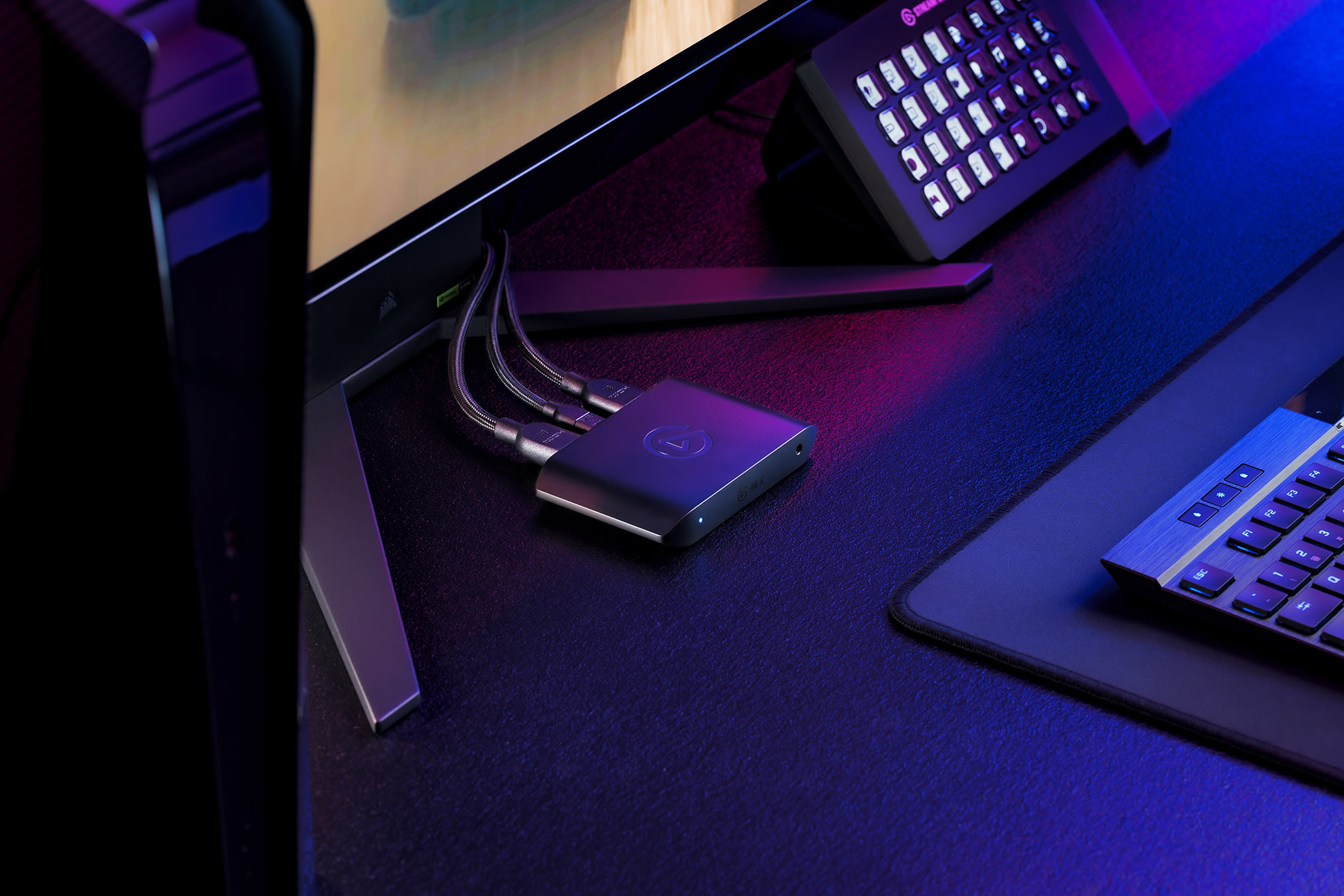
Now the Mac, and like you don’t care about Macs, you can just skip this, but basically, Mac support is a crap shoot – or at least it was until this past week. I had an M1 Mac mini, and the thing would not record anything about 1080p 60fps, 4K was just out of the question – even at 30fps. And you were on your own, because a month ago, Elgato had no software for Macs, you had to rely on OBS and adjust recording quality, bitrates, and everything yourself. The M1 Mac mini I had didn’t have a hardware encoder, so I was shit out of luck. I’m not the only one either; there’s a bunch of complaints, a bunch of YouTube videos on this – and some Mac users seem to be able to get it to work on earlier M series chips – but pretty much, you’ll need at least an M2 Pro or newer to record anything above 1080p at a good bitrate.

So I bought a M4 Mac mini, and it didn’t work. This was a week before the Switch 2 launched, mind, and I was using my PS5 as a tester. It wasn’t until I watched hours more video and tweaked settings that I eventually got some sort of settings working. It also just required nothing else to be happening on my Mac at the same time; I would have to close everything off and make sure some background process didn’t start – it didn’t make sense. It wasn’t until later that I tweaked some settings yet again in OBS and it works like 99% of the time. Then came just this past week and Elgato released their Elgato Capture software for Macs after having no Mac software since Apple transitioned to their own Apple Silicon like five years ago. And it just works, like you plug it in, use their software, and you can capture 4K at 60fps and it doesn’t break a sweat. I was very happy, but also very annoyed. So if you’ve noticed a lack of video content from us, it was because we couldn’t actually record anything for sure, because sometimes, frameskips would just creep in.

I realise this is a very niche problem, and most people are going to be having Windows machines with powerful CPUs and massive GPUs attached, and it’s all fixed now – but while the Elgato hardware is more than capable of whatever you throw at it, the software still a work in progress.
So after all that, yeah, this thing is pretty rad, and it’s pretty future-proof – because even if Nintendo pull another Switch out of their butts in a few years, this will likely support it. But like, hardware is just one part of the story, and software left me, a Mac user, pretty cold up until last week. This is the gold standard hardware for recording without getting into the super high-end stuff, and for most people, it’s going to work with no stress.
Vooks received an Elgato Game Capture 4K X for the purpose of conducting this review.



Comments