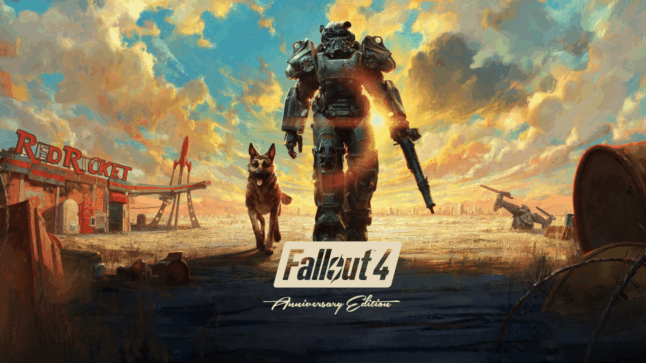

Fallout 4: Anniversary Edition, which already ran and looked pretty good on the Nintendo Switch 2, has been updated to add DLSS support in the latest patch. In both the 60fps and 40fps modes, the game now supports the technology and everything looks just that little bit better. DLSS will turn off in menus, otherwise it can ruin text. You can also now change between the different FPS modes in the game without having to exit out, so it’s easier to play around with and see how you prefer it to look.
A whole bunch of other bug fixes for graphics, controls, and saving and loading as well. Great to see continued support for this one, and hopefully one day they’ll add gyro controls as well.
Highlights
NVIDIA DLSS Support
- Added NVIDIA DLSS support on for 40 fps and 60 fps modes which improves image quality and performance
- DLSS automatically disengages for UI-heavy screens (such as the Pip‑Boy) to ensure text remains sharp.
Fixes & Improvements
Stability
- Fixed numerous crashes that could occur during normal gameplay
- Fixed crashes that occurred while saving or overwriting existing save files.
- Fixed a crash caused by loading autosaves created during certain main quest moments.
- Fixed crashed caused by docking or undocking the system during gameplay.
- Improved overall memory handling to reduce long‑session instability.
Performance & Visuals
- Addressed environmental flicker and lighting inconsistencies in certain interiors and weather conditions.
- Fixed missing or incorrect visual effects such as water puddles, bullet holes, blood splatter, surface decals, and terrain textures.
- Improved visual stability when scrolling weapons at workbenches.
User Interface & Menus
- Fixed missing button prompts in trade menus.
- Resolved issues where HUD elements did not respect opacity settings.
- Fixed visual artifacts when reading notes or magazines at higher frame rates.
- Improved frame rate option behavior when switching between docked and handheld modes.
- Fixed cases where UI text or icons appeared incorrectly in certain languages.
Save & Load
- Fixed issues where the Load menu could become inaccessible in rare cases.
- Save files now properly update and display correct location names.
- “Exit saves” are now reliably created when quitting to the main menu.
- Improved stability when approaching the save limit.
Controls & Input
- Improved controller handling when switching between Joy‑Cons and wireless controllers.
- Fixed cases where input was not properly restored after controller re‑sync dialogs.
Localization
- Fixed missing or incorrect characters in Japanese and Traditional Chinese in crafting menus.
- Improved font handling and text clarity across supported languages.
- System keyboard now supports a broader range of characters when naming characters or items.
Quests & Gameplay
- Addressed issues with missing or unresponsive NPCs in rare scenarios.
- Improved consistency of quest-related environmental triggers and visual effects.
Comments